


Most AI-generated bikini content still looks fake. The skin is too smooth, the fabric floats like a sticker, and the moment the subject moves in video, the face collapses or the clothing glitches. Real photorealism does not come from stacking words like “8k” and “masterpiece.” It comes from deliberately describing skin physics, fabric physics, light behavior, and micro-movements.
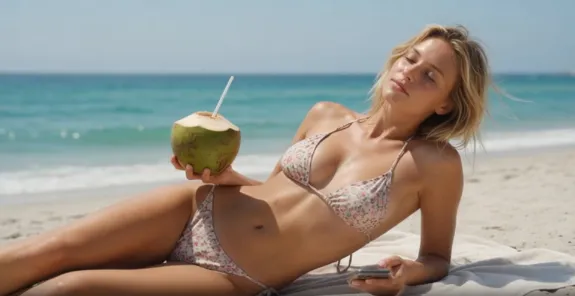
This guide is written for three types of creators:
- Beginners who just want one usable realistic image
- Intermediate users who already know basic prompting but want higher realism
- Content teams that need consistent characters across multiple scenes and short videos
👙The Real Foundation of Photorealism
Photorealism is not about making the subject “more beautiful.” It is about making her obey the physical world — including its imperfections.
- Skin has pores, fine peach fuzz, slight color variation, and natural oil
- Wet bikini fabric does not become evenly transparent; transparency depends on thickness and how tightly it clings
- Bodies have weight, subtle fat distribution, muscle tension, and posture
- In video, breathing, fabric recovery, water droplets sliding, and micro-expressions happen at the same time
Write these realities into the prompt and the results improve dramatically.
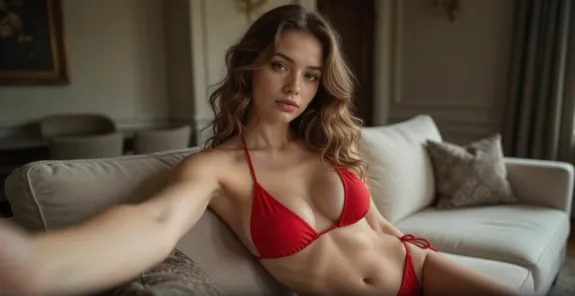
📚Complete Photo Workflow
Core Prompt Structure (Keep This Framework)
Subject + Body & Skin Details + Clothing Physics + Scene & Lighting + Camera Language + Quality
High-Realism Master Template (Copy and Adjust)
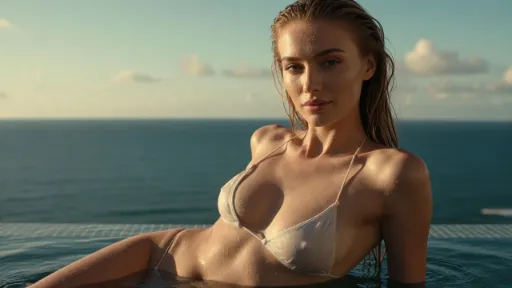
Photorealistic young woman, early 20s, slender natural body with soft curves and subtle muscle definition, realistic skin texture with visible pores, fine peach fuzz, natural skin imperfections and slight uneven tone, wearing a thin white string bikini, fabric slightly wet and clinging tightly to skin, realistic fabric tension and subtle folds, water droplets on collarbone, chest and lower abdomen, standing at the edge of a private infinity pool overlooking the ocean, golden hour side lighting with soft rim light, gentle subsurface scattering on skin, 85mm lens, shallow depth of field, natural film grain, highly detailed, cinematic color
Why This Works (Key Breakdown)
- visible pores, fine peach fuzz, natural skin imperfections — the single most effective group of words against plastic skin
- fabric slightly wet and clinging tightly to skin, realistic fabric tension — gives the bikini actual weight and contact with the body
- Specific droplet placement (on collarbone, chest and lower abdomen) looks more real than random water everywhere
- golden hour side lighting + subsurface scattering — creates believable skin light transmission and dimension
- Avoid “perfect skin” or “flawless body.” These words actively reduce realism.

Optional Realism Boosters
Add only what you need:
- Stronger wet look: wet skin sheen, water running down the side of the torso
- Body nuance: subtle underboob shadow, natural hip dip, soft lower belly
- Environment interaction: light reflecting off water droplets, gentle breeze moving a few strands of hair
🎬Video — Where Most People Fail
A strong still image often collapses the moment it starts moving. The solution is simple in principle but strict in execution: small movements, precise physical description, and locked identity.
Correct Way to Extend into Video
Keep the full image prompt and only append motion and camera instructions:
slow natural movement, subtle breathing motion, gentle fabric bounce and recovery, water droplets slowly sliding down the skin, slight hip shift as she turns, soft hair movement from light breeze, realistic body dynamics, 24fps, cinematic camera slow push-in
Movement Design Rules
- Prefer small, controlled actions: turning the head, adjusting a strap, sitting down, a slow weight shift
- Avoid large or fast movements (running, jumping, vigorous dancing) — current models still struggle with clothing and body consistency on big motion
- Always describe physical feedback: fabric recovery, sliding water, breathing. Without it the motion feels stiff or unnatural
Reliable Video Scenarios
- Standing at the pool edge and slowly turning to look back at the camera
- Sitting on the pool edge, one hand lightly touching hair while water droplets slide down the collarbone
- Walking slowly toward the camera with natural hip movement and subtle fabric bounce
- Side angle, adjusting the bikini strap while looking slightly downward
These actions carry visual appeal while staying within the model’s stable range.
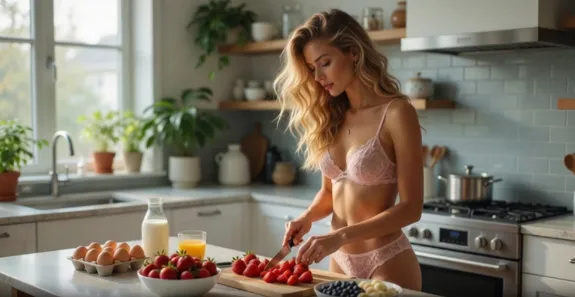
4. Using Reelme for Stability and Speed
- Identity Lock First
Generate one high-quality clear face image (front or three-quarter view). Enable identity lock before creating additional angles or video. This is currently the most reliable way to keep the same face consistent. - Body and Clothing Control
When you need to adjust body proportions or change the bikini style, use the dedicated body and clothing tools rather than forcing everything through the text prompt. Success rate is higher. - Video Generation Strategy
✅️Start from a strong still
✅️Apply only small-motion prompts
✅️Generate multiple variations and select the best
✅️Use local redraw if needed for clothing or skin glitches
4. Scalable Content System
Lock the character identity → change environments (infinity pool, yacht, rocky shore, hotel balcony) → change bikini color or cut → keep lighting and lens consistent. This produces a coherent series quickly.
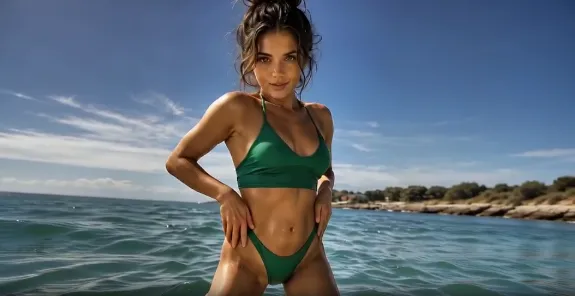
🫧Common Failures and Direct Fixes
| Problem | Real Cause | Direct Fix |
|---|---|---|
| Plastic, overly smooth skin | Too many “perfect / flawless” words | Force in pores, peach fuzz, imperfections |
| Fabric looks like a sticker | Missing wetness and tension description | Add clinging, fabric tension, wet folds |
| Face collapses in video | Movement too large + no identity lock | Use small actions + identity lock + generate multiple takes |
| Flat or gray overall look | Weak lighting description | Switch to side light / rim light + subsurface scattering |
| Unnatural body proportions | No clear body type specified | Explicitly state “slender natural body with soft curves” |
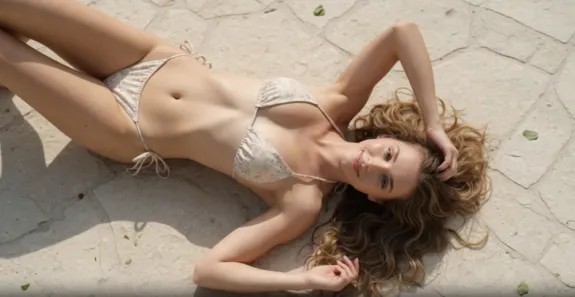
🧩Immediate Action Plan
- Run the master template and check whether the skin and fabric already feel less plastic.
- Once the still is solid, append a small-motion video prompt.
- Turn on identity lock as soon as you need the same person across shots.
- For batch work, keep lighting and focal length consistent; vary scene and swimsuit color instead.
Photorealistic bikini content is not about writing prettier prompts. It is about accurately describing how skin, fabric, light, and micro-movement behave in the real world, then using the right tools to lock consistency. Follow this workflow and both image quality and usable output rate will rise noticeably.




'%20fill-opacity='.4'/%3e%3cpath%20d='M29.07%2012c.982%200%201.473%200%201.88.194.35.166.667.457.863.79.23.389.27.859.354%201.797.27%203.072.518%207.922-.297%2010.472-1.03%203.22-5.8%206.507-8.257%208.023-.477.295-.715.441-1.038.515a2.227%202.227%200%200%201-.868.006c-.324-.07-.565-.215-1.046-.504-2.512-1.51-7.435-4.811-8.478-8.04-.888-2.752-.622-7.52-.327-10.524.09-.914.135-1.372.365-1.757.196-.327.516-.617.86-.78.407-.193.89-.192%201.853-.192H29.07z'%20fill='var(--fill-0,%20%238B5CF6)'/%3e%3cpath%20d='M26.337%2017.75a.854.854%200%200%201%201.212-.11.872.872%200%200%201%20.11%201.218l-6.088%207.392a.855.855%200%200%201-1.2.122l-.07-.063-3.906-3.944a.871.871%200%200%201%200-1.222.853.853%200%200%201%201.216%200l3.24%203.268%205.486-6.66z'%20fill='var(--fill-0,%20white)'/%3e%3c/svg%3e)