





Quick Summary: Stop burning credits on endless re-rolls. This guide breaks down the four essential AI video post-processing workflows for 2026 — Video Extend, Spatial Inpainting (AI Video Editor), Motion Reference (Vid2Vid / Reference-to-Video), and Temporal Face Swap — to fix length, identity drift, and motion issues in tools like Runway, Sora, Vidu, Kling, Seedance, and FLUX-based pipelines.
Most image-to-video outputs still fail the same four ways. The clip ends too early. One detail looks wrong. A TikTok motion is perfect but impossible to recreate from text. Or the face simply is not the one you want. Full regeneration is expensive and unpredictable. These four techniques let you keep what already works and surgically fix the rest.
1. Pain Point: The Clip Is Too Short
You have a strong 6–10 second generation, but the action or emotional beat cuts off. Manual editing feels excessive for a simple length problem.
Primary Solution: Video Extend (Keyframe Continuation)
Modern Video Extend features in Runway Gen-4.5, Kling, Seedance, Luma, and several Vidu/Wan pipelines continue generation from the final frame or a selected keyframe. The model treats the last clean frame as a strong conditioning signal and generates new motion forward.
Technical notes that actually matter
- Motion Vector discontinuity is the main failure mode. Sudden changes in direction or speed between the original ending and the extension create visible jumps.
- Keep each extension short — 2 to 4 seconds is the practical sweet spot for most current models. Longer single extensions increase drift.
- Always re-anchor with a high-quality character reference image or the cleanest available keyframe every one or two extensions. This resets identity and style features that slowly degrade.
Workflow
Upload the original clip → select the ending frame or let the tool auto-detect → write a continuation prompt that only describes new action and camera behavior → generate → review → chain if needed.
This is the lowest-friction way to turn short AI clips into usable 15–25 second sequences without opening a traditional timeline.
2. Pain Point: Most of the Video Is Good, but Specific Details Are Wrong
The overall motion works. One expression, clothing fold, hand position, or background element does not. Full re-generation risks losing the good parts.
Primary Solution: Video Inpainting / Mask-Guided Editing (AI Video Editor)
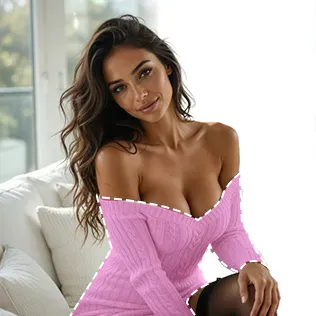
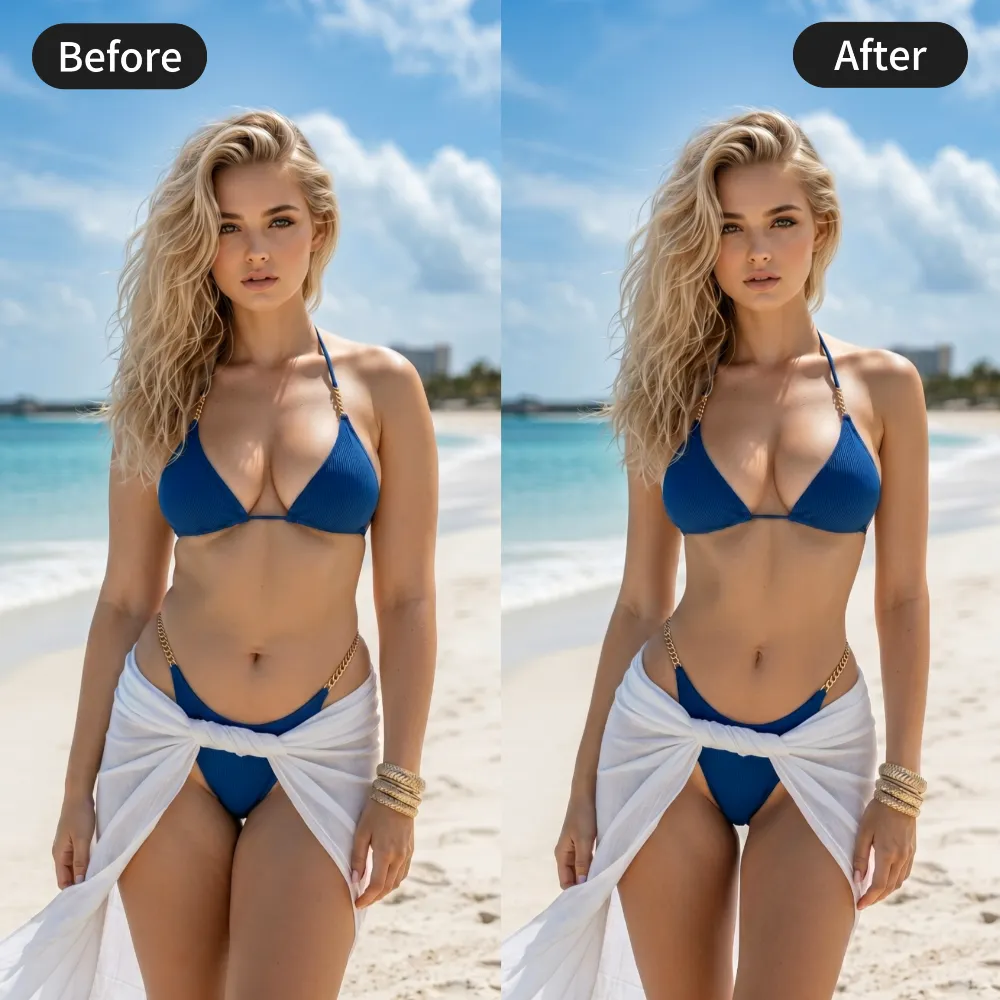
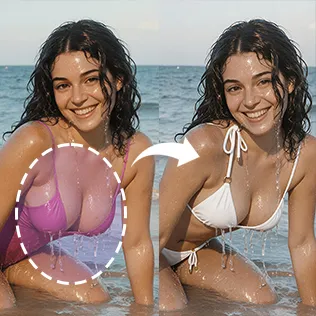
This is spatial or region-based editing on an existing video. Tools such as Runway’s inpainting features, Magic Hour, certain Kling editing modes, and advanced ControlNet-mask workflows allow you to mask a region and regenerate only that area while attempting to preserve surrounding motion and lighting.
Key technical levers
- Mask precision and feathering determine whether you get clean results or visible seams.
- When available, “preserve noise seed” or locked latent options help maintain temporal consistency with the original frames.
- Resolution mismatch between the inpainted region and the rest of the video is a common source of quality drop. A light final upscale pass often helps.
Typical high-value edits
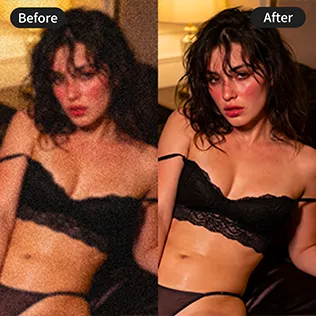
Facial micro-expression, fabric detail, wet-skin highlights, small object removal or replacement, minor pose correction.
Because you only regenerate a fraction of the frames, credit cost stays low and successful elements remain intact.
3. Pain Point: You Want to Recreate a Specific TikTok Motion
A short video has the exact timing, camera language, or body dynamics you need. Pure text prompting almost never captures the same energy.
Primary Solution: Motion Reference / Reference-to-Video (Vid2Vid Motion Transfer)
This technique extracts motion structure (often described as a motion skeleton or pose sequence) from a reference video and applies it to a new subject. It is the practical descendant of ControlNet pose/depth, AnimateDiff motion modules, and modern video-to-video pipelines in Vidu, Seedance, Kling, and specialized motion-transfer tools.
Critical distinction
The system primarily transfers motion and timing, not visual texture. Your character reference image supplies identity and appearance. The reference video supplies the skeleton of movement.
Best practices
- Choose reference clips with clear subject isolation and relatively stable camera work.
- Supply a strong character image that matches desired identity, body proportions, and clothing style.
- Keep text prompts light — they should mainly describe differences rather than re-state the action.
- Generate in model-native length chunks, then use Video Extend if longer output is required.
This is currently the most reliable way to clone viral motion energy onto a new character without starting from a blank prompt.
4. Pain Point: The Motion and Scene Are Right — Only the Person Is Wrong
You like everything except the identity. Regenerating risks changing the action you already approved.
Primary Solution: Temporal Face Swap / Head Swap
Modern temporal face-swap systems process the video as a sequence rather than independent frames. Leading options include Magic Hour, DeepSwap-style tools, PixVerse swap features, and higher-end pipelines that maintain expression, head pose, and lighting across time.
Failure modes to watch
- Edge bleeding around hair and jawline
- Eye flickering or inconsistent gaze
- Lighting mismatch (a brightly lit face dropped onto a backlit scene will always look artificial)
Improved workflow
- Perform the face swap on the highest-quality available version of the clip.
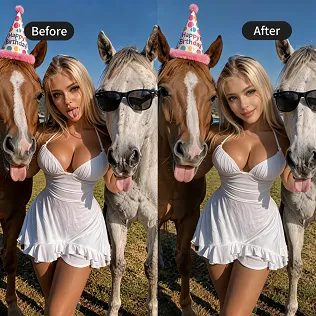
- If minor artefacts remain, run a light Video Inpainting pass on problem areas.
- For maximum identity lock, some creators first create a clean swapped keyframe and then regenerate or extend from that frame.
Decision Table: Which Technique to Use
| Pain Point / Goal | Primary Technique | Relative Success Rate | Credit Impact | Main Risk to Avoid |
|---|---|---|---|---|
| Clip too short | Video Extend (Keyframe Stitch) | High | Low (+1–2 gens) | Cumulative style & face drift |
| Flawed local details | Video Inpainting / Local Edit | Very High | Very Low | Boundary seams & resolution drop |
| Recreate specific TikTok motion | Motion Reference (Vid2Vid) | Medium–High | Medium | Subject proportion mismatch |
| Wrong subject / face | Temporal Face Swap | High | Low | Edge bleeding & eye flicker |
Avoid These 3 Fatal Mistakes
- Chaining extensions more than two or three times without re-anchoring
Face and style drift is cumulative. Every two extensions, force a clean keyframe or strong character reference to reset the conditioning. - Running Video Inpainting at mismatched resolution or without proper mask feathering
Local edits frequently introduce softer or lower-bitrate regions. Always check the final output at full resolution and apply a lightweight upscale if needed. - Ignoring lighting direction in Face Swap
A face lit from the front will never sit convincingly in a scene lit from behind or the side. Match the lighting angle of the reference face to the target video before swapping, or correct with a secondary inpainting pass.
These four techniques — Video Extend, Video Inpainting, Motion Reference, and Temporal Face Swap — form the practical post-processing stack for AI video in 2026. Use the one that matches the exact problem in front of you. Keep what already works. Fix only what is broken. That is how you stop wasting credits and start finishing videos.



'%20fill-opacity='.4'/%3e%3cpath%20d='M29.07%2012c.982%200%201.473%200%201.88.194.35.166.667.457.863.79.23.389.27.859.354%201.797.27%203.072.518%207.922-.297%2010.472-1.03%203.22-5.8%206.507-8.257%208.023-.477.295-.715.441-1.038.515a2.227%202.227%200%200%201-.868.006c-.324-.07-.565-.215-1.046-.504-2.512-1.51-7.435-4.811-8.478-8.04-.888-2.752-.622-7.52-.327-10.524.09-.914.135-1.372.365-1.757.196-.327.516-.617.86-.78.407-.193.89-.192%201.853-.192H29.07z'%20fill='var(--fill-0,%20%238B5CF6)'/%3e%3cpath%20d='M26.337%2017.75a.854.854%200%200%201%201.212-.11.872.872%200%200%201%20.11%201.218l-6.088%207.392a.855.855%200%200%201-1.2.122l-.07-.063-3.906-3.944a.871.871%200%200%201%200-1.222.853.853%200%200%201%201.216%200l3.24%203.268%205.486-6.66z'%20fill='var(--fill-0,%20white)'/%3e%3c/svg%3e)