


Veo 3.1 stands out in photorealistic image generation with its exceptional realism, delicate skin textures, natural lighting, and fine details. It has become a go-to tool for many creators. However, its strict safety filters often create obstacles when pursuing ideal lighting, material effects, or specific atmospheres.
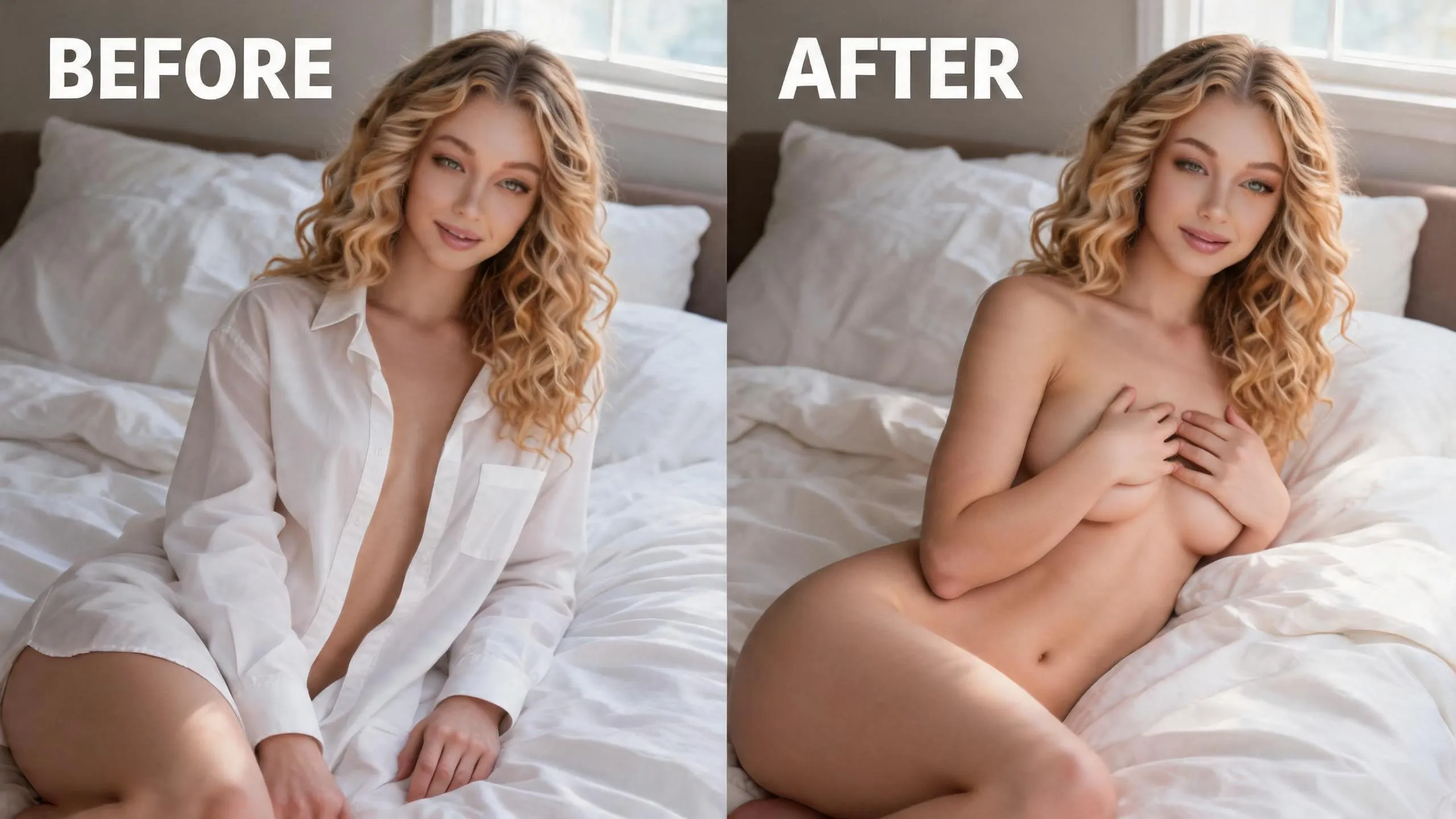
Reelme.ai serves as the perfect professional companion platform. It offers unrestricted image generation and powerful editing tools that effectively overcome Veo 3.1’s limitations, enabling you to consistently produce high-detail results. This guide provides a streamlined formula and ready-to-use templates to help you get started quickly.
Core Prompt Formula (Copy and Adapt)
Subject + Pose & Movement + Environment & Lighting + Material Details + Overall Style
Universal Base Template:
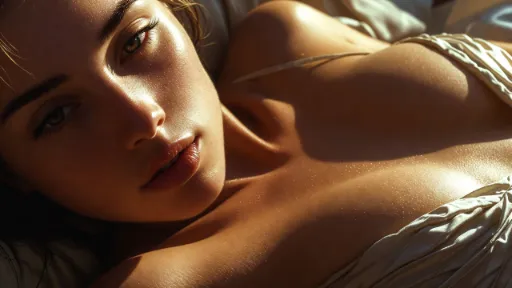
Hyper-photorealistic close-up of a graceful woman in an elegant pose, soft golden hour side lighting creating gentle highlights and soft shadows, water droplets delicately tracing realistic skin with visible pores and natural texture, light mist floating in the air, wet fabric softly clinging to body contours, shallow depth of field, cinematic composition, 8k ultra-detailed.
5 Enhanced Image Prompt Templates (Copy-Paste Ready)
1.Hot Spring Atmosphere
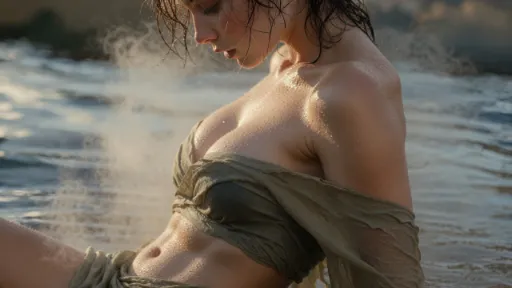
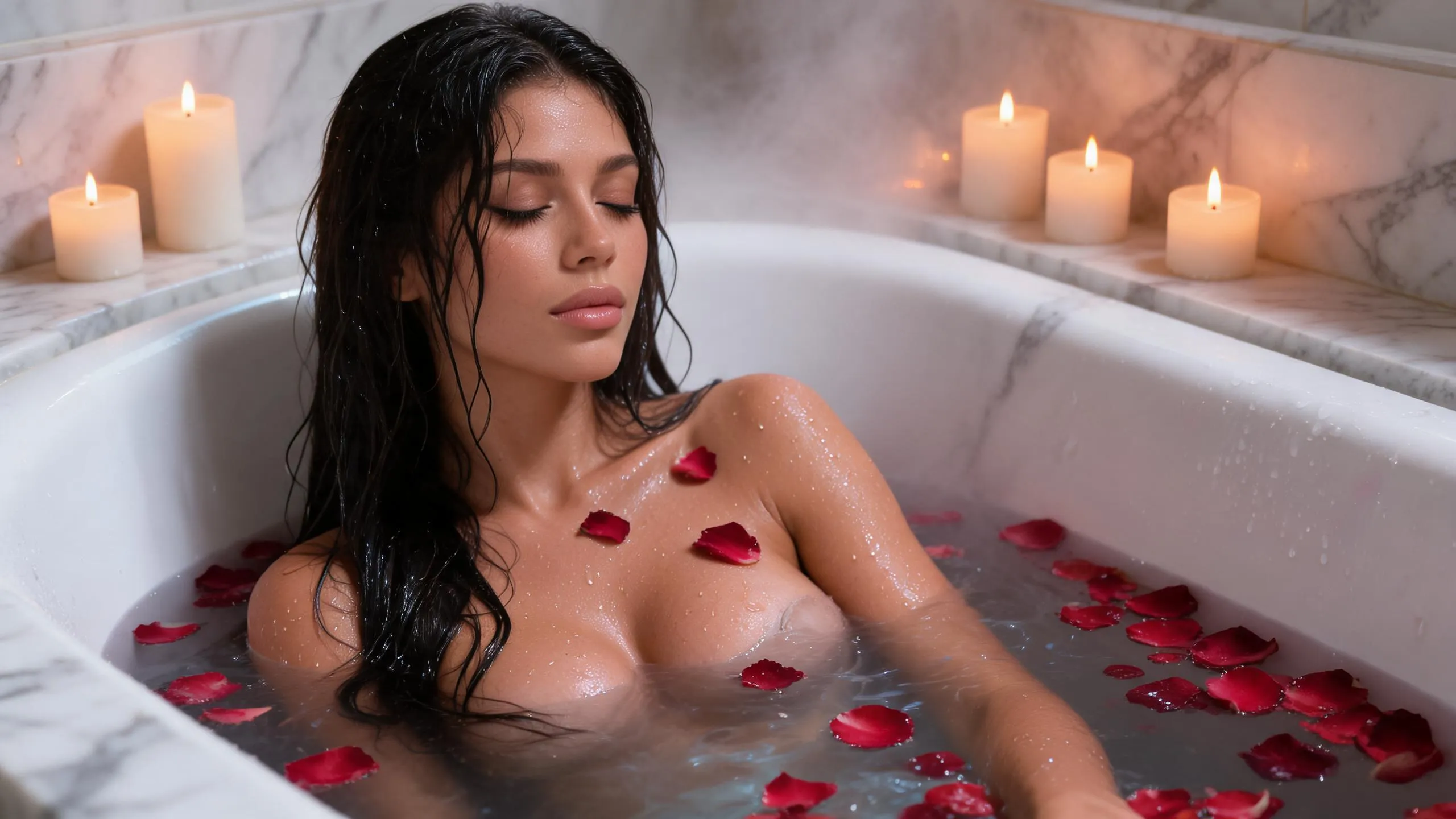
Hyper-photorealistic full body view of a woman in a steaming hot spring at dusk, thick warm mist enveloping the scene, water droplets glistening and slowly rolling down detailed skin with visible pores, wet fabric gently clinging to elegant curves, soft golden twilight lighting, shallow depth of field, intricate skin and water textures.
2.After-Rain Scene
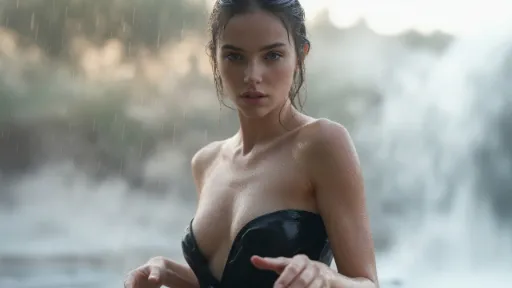
Photorealistic close-up of a woman standing in gentle rain, raindrops forming a natural glossy sheen on skin and clothing, warm light contrasting with cool tones, soft mist surrounding her, elegant posture with natural form, hyper-detailed skin pores and water droplets, cinematic shallow DOF.
3.Athletic Casual
Medium shot of an athletic woman in a fitted jersey under bright sunlight, fabric subtly following body lines, light sweat and mist on glowing skin, confident natural pose, golden hour flares, hyper-photorealistic skin texture and realistic details.
4.Indoor Light & Shadow
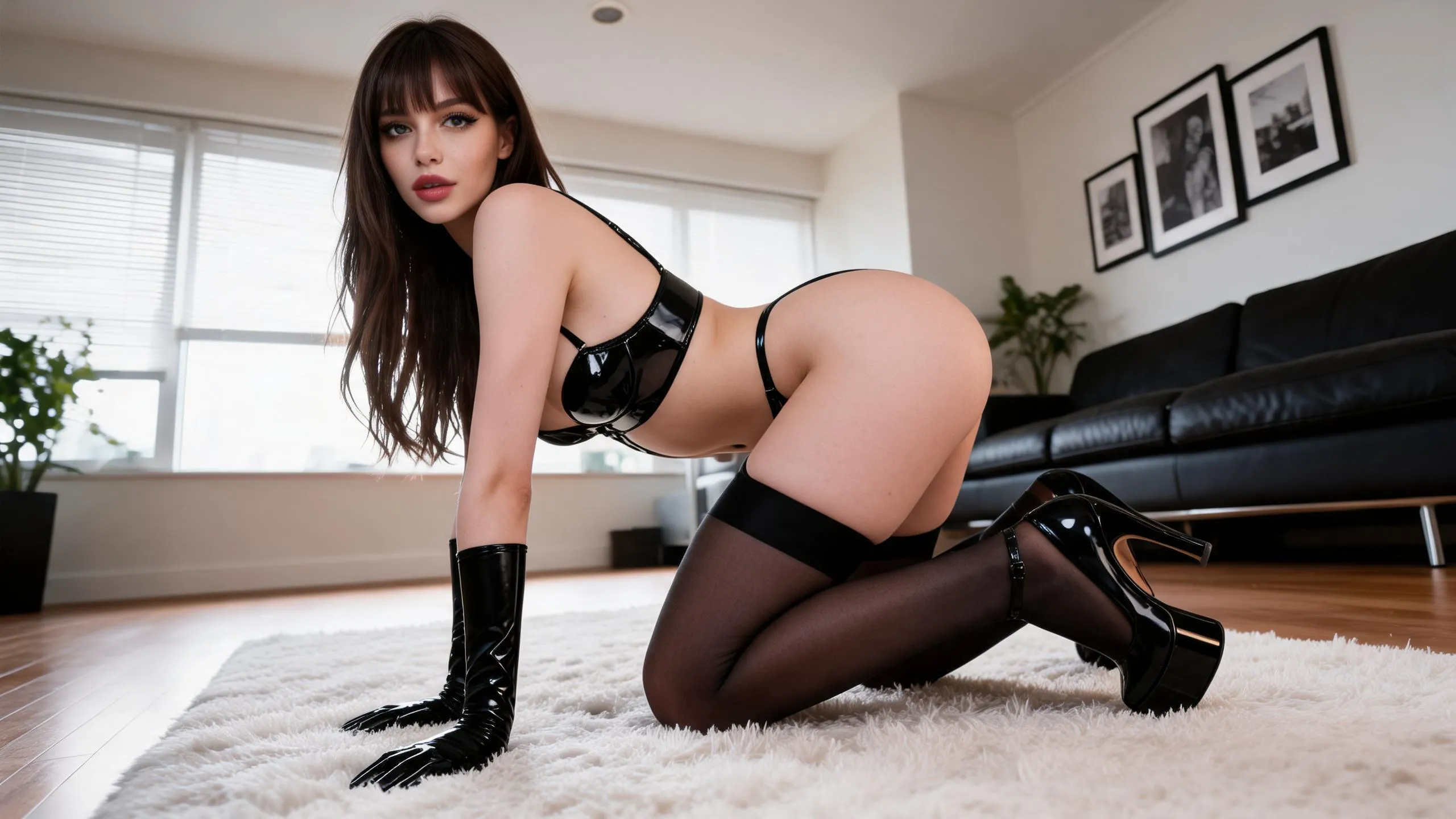
Low angle shot of a woman reclining gracefully on silk sheets in soft candlelight, warm glow highlighting elegant contours and skin, subtle atmospheric haze, natural fabric drape with realistic pores and textures, hyper-photorealistic, intimate artistic mood.
5.Golden Hour Beach
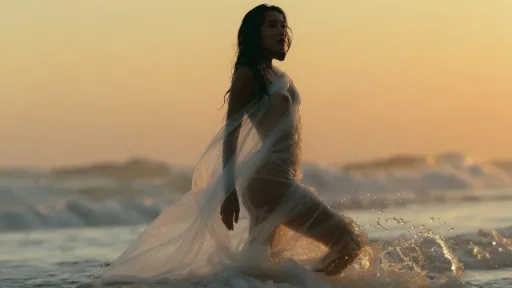
Full body photorealistic shot at golden hour beach, woman stepping from sea water, droplets cascading naturally down body and hair, wet skin with luminous sheen, sea breeze effect, hyper-detailed water, skin and lighting, cinematic composition.
Iteration Prompt (Add After Generation):
“enhance skin pores and water droplet details, add thicker soft mist, improve lighting contrast on contours, higher photorealistic quality, more natural elegant pose”
Recommended Reelme.ai Workflow
Use Veo 3.1 to generate high-quality base images, then import them into Reelme.ai for unrestricted refinement, detail enhancement, and character consistency. The platform’s advanced models make it ideal for further creation or expansion.
Quick Start Checklist
- Emphasize skin texture, lighting, water droplets, and mist as core details.
- Keep prompts between 80-150 words.
- When facing restrictions, simplify the description or switch to Reelme.ai.
- Iterate multiple times for significantly better results.
Copy any template above and test it in Veo 3.1. Share your results or let me know a specific scene (hot spring, beach, indoor, etc.), and I’ll customize prompts for you.
Want a full prompt collection and professional tools? Visit Reelme.ai to explore comprehensive resources and take your creations to the next level.


'%20fill-opacity='.4'/%3e%3cpath%20d='M29.07%2012c.982%200%201.473%200%201.88.194.35.166.667.457.863.79.23.389.27.859.354%201.797.27%203.072.518%207.922-.297%2010.472-1.03%203.22-5.8%206.507-8.257%208.023-.477.295-.715.441-1.038.515a2.227%202.227%200%200%201-.868.006c-.324-.07-.565-.215-1.046-.504-2.512-1.51-7.435-4.811-8.478-8.04-.888-2.752-.622-7.52-.327-10.524.09-.914.135-1.372.365-1.757.196-.327.516-.617.86-.78.407-.193.89-.192%201.853-.192H29.07z'%20fill='var(--fill-0,%20%238B5CF6)'/%3e%3cpath%20d='M26.337%2017.75a.854.854%200%200%201%201.212-.11.872.872%200%200%201%20.11%201.218l-6.088%207.392a.855.855%200%200%201-1.2.122l-.07-.063-3.906-3.944a.871.871%200%200%201%200-1.222.853.853%200%200%201%201.216%200l3.24%203.268%205.486-6.66z'%20fill='var(--fill-0,%20white)'/%3e%3c/svg%3e)